For Content Creators
Learn Claude as a content creator.
A structured course that teaches Claude fundamentals through tasks you already do: sharpening scripts and captions, outlining videos or episodes, turning audience comments into content ideas, planning a content calendar, and repurposing one piece of content across platforms.
What is Claude?
Claude is an AI assistant made by Anthropic. Unlike a caption generator or a basic chatbot, it can hold an entire video's arc in mind across a long conversation, remembering the hook you opened with, the tone you're going for, and the joke you cut two messages ago. That matters for content work, where a script rarely comes together in one pass. Claude Tutorial teaches you how to work this way through real content creation tasks: sharpening scripts and captions, outlining videos and episodes, turning audience comments into fresh ideas, planning a content calendar, and repurposing one piece of content across every platform you post to.
What content creators use Claude for
- 01
Reviewing and sharpening a script or caption
Paste in a draft script, caption, or video description and ask Claude for specific feedback on hook strength, pacing, or clarity. Give it your usual tone and it applies that consistently across revisions.
“Here's the opening 15 seconds of my video script: [paste]. Tell me honestly if the hook holds attention past the first 3 seconds, and give me two sharper alternatives.”
- Get specific hook feedback
- Match your usual tone
- Catch a slow opening early
- 02
Writing video and podcast outlines
Describe a topic and the length you're aiming for, and let Claude structure a full outline: hook, main points, and a close. Refine the pacing through conversation until each section earns its place.
“I'm making an 8-minute YouTube video on 'why my sourdough keeps collapsing.' Outline it in five sections with a timestamp estimate for each, and flag which section is likely to lose viewers.”
- Start from a paced structure
- Hit a specific runtime
- Spot the section that loses viewers
- 03
Turning audience comments into content ideas
Paste in a batch of comments, DMs, or survey replies and ask Claude to group them into recurring questions or requests. Use the patterns it finds as your next few video or post topics.
“Here are 40 comments from my last video. Group them into the three most common questions viewers are asking, and suggest one follow-up video topic for each.”
- Group scattered comments fast
- Spot real recurring requests
- Turn feedback into a topic list
- 04
Planning a content calendar
Give Claude your posting cadence and a list of topics, and let it structure a multi-week calendar with a platform and format for each entry. Adjust the mix through conversation until it matches how you actually work.
“I post twice a week on YouTube and daily on Instagram. Build a 2-week calendar from these 6 topics, assigning each a platform, a format, and a rough posting day.”
- Structure weeks of output at once
- Balance formats across platforms
- Turn a topic list into a schedule
- 05
Repurposing one piece of content across platforms
Take a long-form video transcript or blog post and ask Claude to adapt it into a short-form script, a caption, and a newsletter blurb. Same core message, reshaped for how each platform is actually watched or read.
“Turn this 10-minute video transcript into a 45-second Shorts script and a 3-sentence Instagram caption, keeping the same core tip.”
- One message, several formats
- Hit each platform's length norm
- Keep the core tip consistent
How you'll learn
Claude Tutorial walks you through Claude fundamentals step by step, with structured lessons, practice quizzes, and a progress tracker so you always know where you stand.
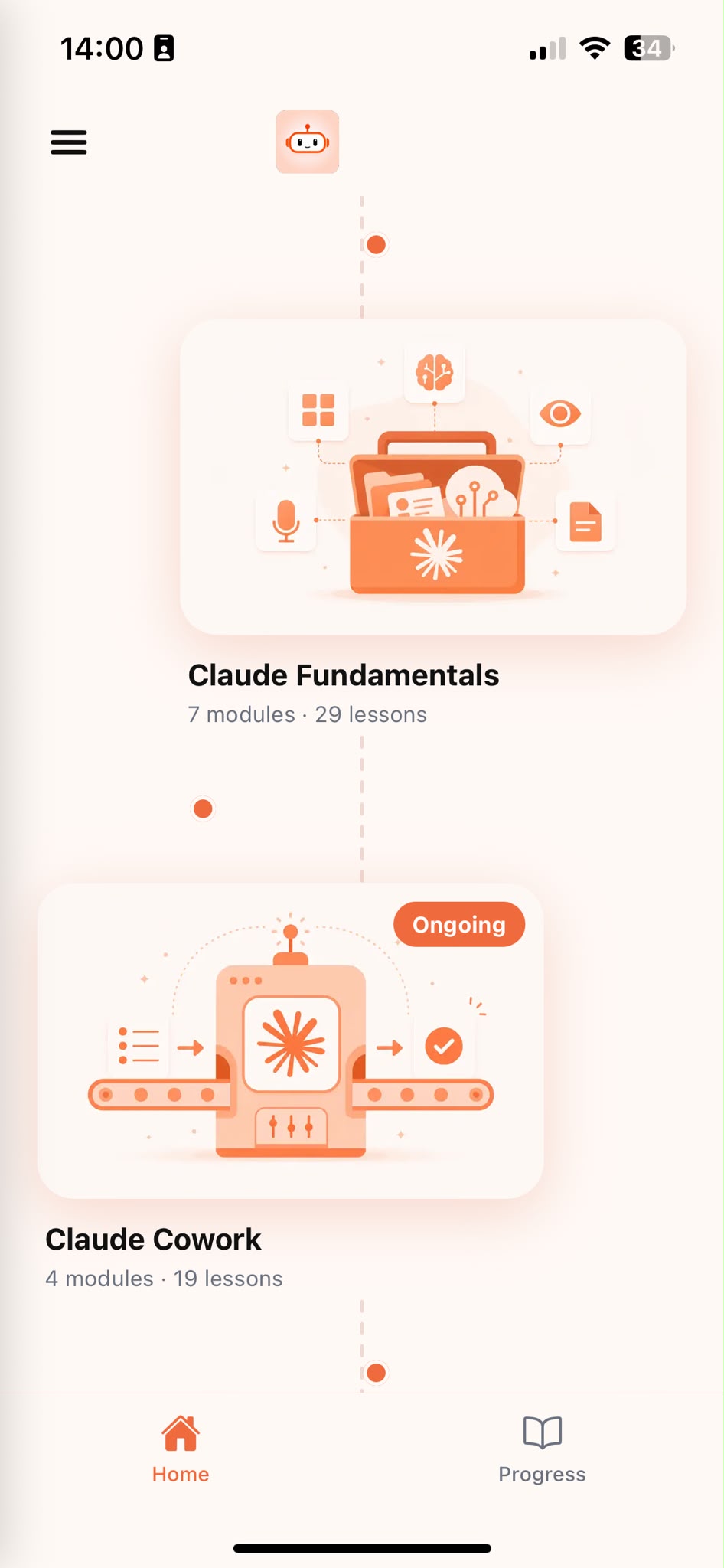
Browse Courses
Choose what to learn from a structured library of Claude lessons.
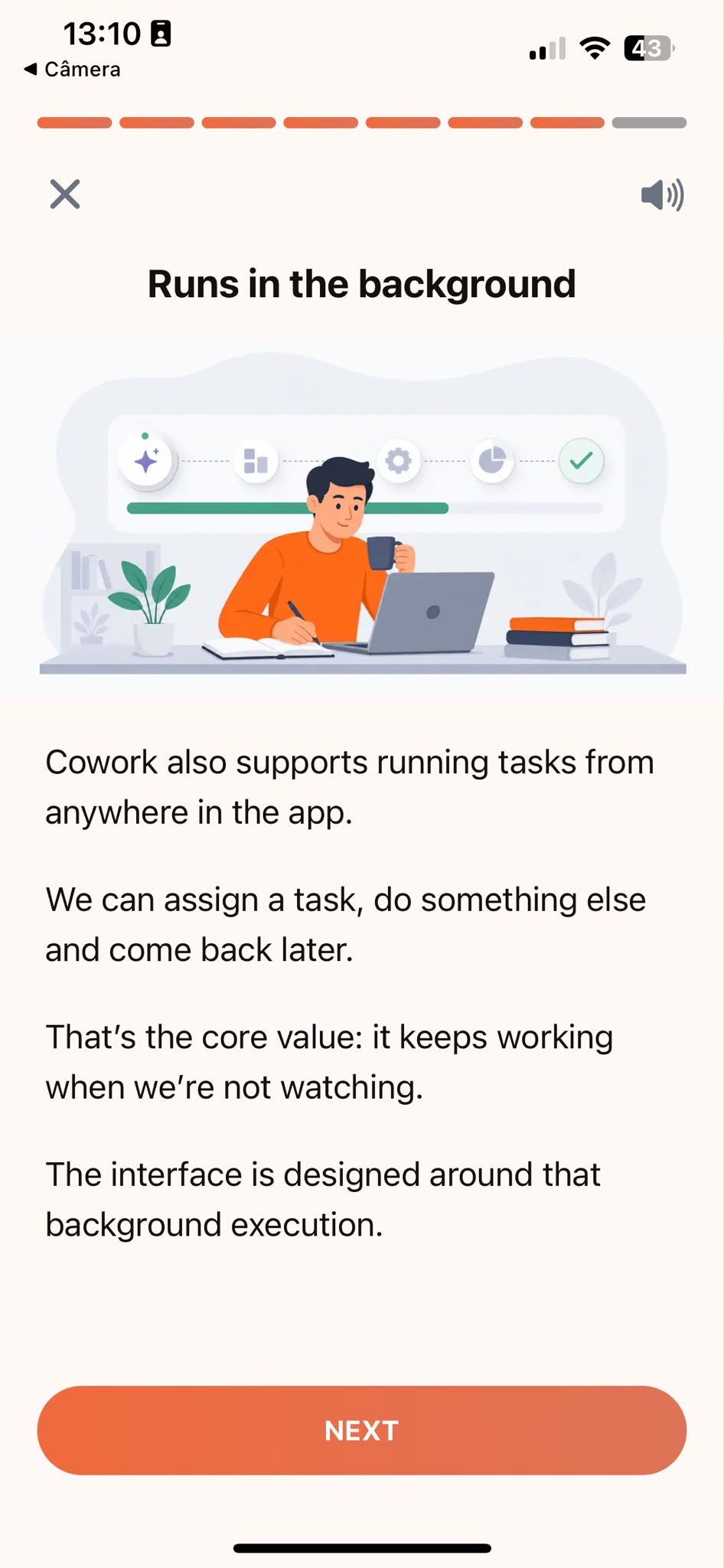
Learn
Short, focused lessons that build from fundamentals to real-world tasks.
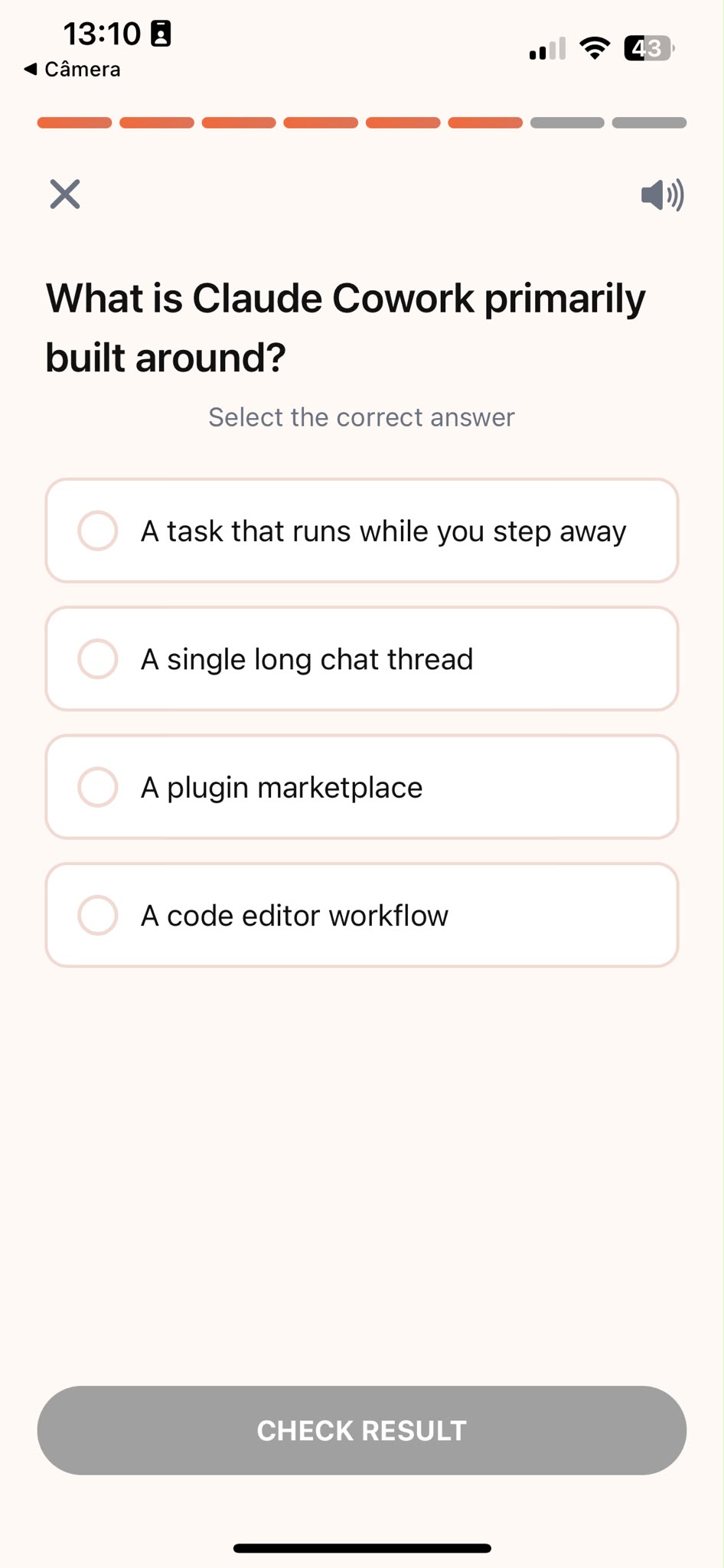
Quiz
Test your understanding right after each lesson, not at the end.
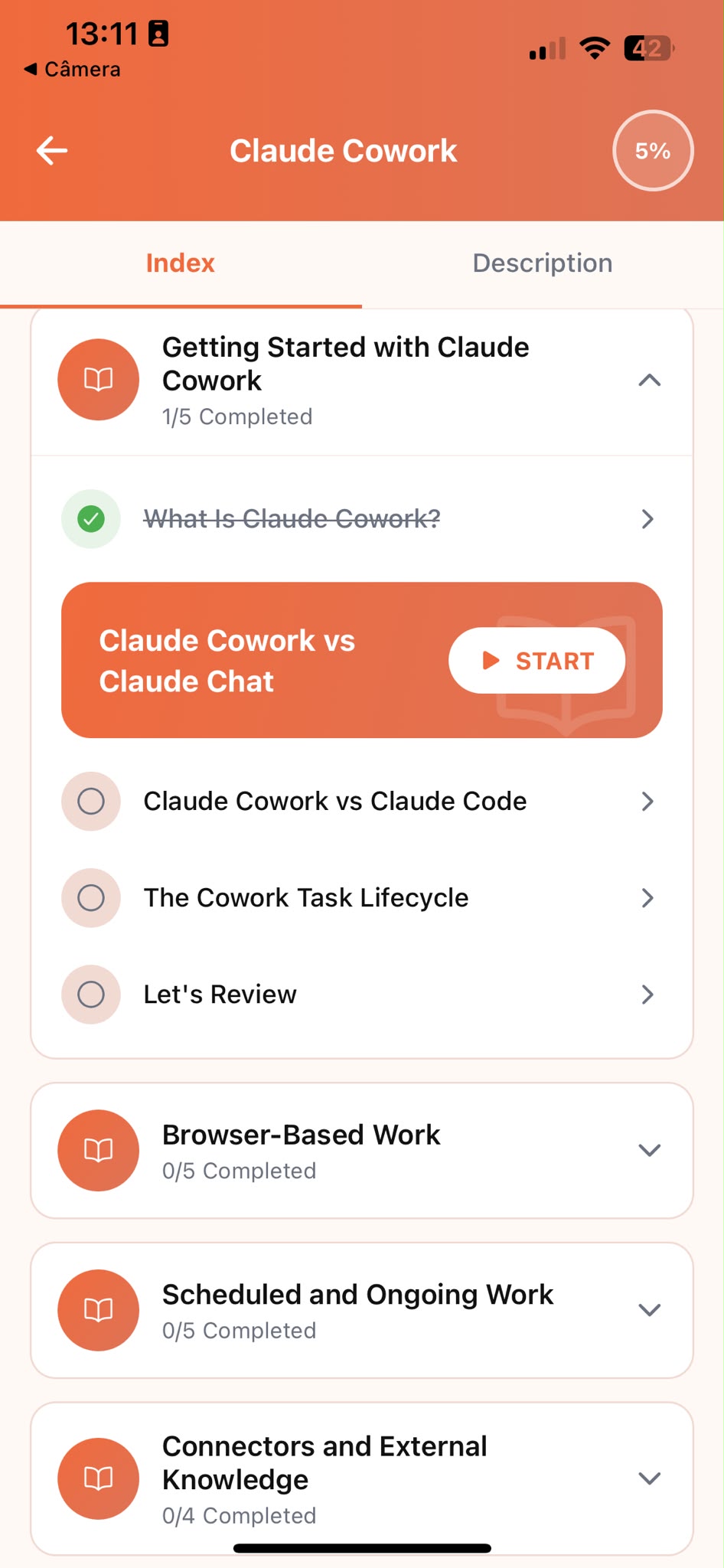
Track Progress
Pick up exactly where you left off, on any device, at any time.
Related articles
- Content Creators5 min read
Repurpose One Video Into a Week of Content
Adapt one video into a Shorts script, a caption, and a newsletter blurb with Claude, each shaped for its format instead of the same text pasted everywhere.
Read article - Content Creators6 min read
How to Sharpen a Video Hook Before You Film
Test a video hook against a real threshold with Claude before you're on camera committed to a weak opening that quietly loses viewers in five seconds.
Read article - Content Creators5 min read
Your Next Video Idea Is Hiding in the Comments
How to group a batch of comments with Claude into the recurring questions worth answering, instead of reacting to whichever comment you saw last.
Read article - Content Creators5 min read
Writing Video Outlines That Don't Lose Viewers
A process for outlining a video with Claude that flags the section likely to lose viewers before you film it, not after you check the retention graph.
Read article - Marketing12 min read
How to Write Better Marketing Copy With Claude
The brief-first workflow marketers use to get copy that sounds written for a real reader: prompt templates, a bad-to-excellent walkthrough, and mistakes to skip.
Read article
Frequently Asked Questions
Do I need AI experience to start?
No. Claude Tutorial is designed for people who have never used Claude before. The course starts from the fundamentals and builds up to real content creation tasks. If you already use Claude occasionally, the structured approach will still fill gaps and build more reliable habits.
How long does the course take to complete?
Most learners work through the core curriculum in two to four hours. The app is designed for short, focused sessions. A single lesson takes around ten minutes, so you can fit it into a working day without blocking off a half-day.
Will I learn to use Claude specifically for content creation?
Claude Tutorial teaches Claude fundamentals through examples content creators recognize: scripts, captions, content ideas, and calendars. You are learning Claude, not a generic AI tool, and every example is grounded in real content creation work.
Can I use Claude's free plan while taking the course?
Yes. Everything taught in the course works with Claude's free plan. A paid plan gives you more usage, but it is not required to complete the lessons or apply what you learn.
What if Claude's script doesn't sound like me?
Give it more to work with. Paste in a transcript of a video that felt like your natural voice, or describe your tone in a sentence, then ask Claude to match it going forward. The course shows you how to set this up once, the same way you'd hand a new editor a style guide, and reuse it in every prompt after that.
Start learning Claude
Download Claude Tutorial and start applying these techniques to your own scripts, captions, and content calendar.