For Financial Planning
Learn Claude for financial planning.
A structured course that teaches Claude fundamentals through tasks you already do: sharpening a budget or financial summary, explaining a variance, turning spending data into a categorized analysis, comparing financial decisions, and communicating an update to whoever needs it.
What is Claude?
Claude is an AI assistant made by Anthropic. Unlike a spreadsheet formula or a basic chatbot, it can hold an entire financial picture in mind across a long conversation, remembering the category you flagged, the number your partner or your board asked about, and the assumption behind the scenario you compared two messages ago. That matters for financial work, personal or professional, where a budget, a comparison, or an update rarely comes together in one pass. Claude Tutorial teaches you how to work this way through real financial planning tasks: sharpening a budget or financial summary, explaining a variance, turning spending data into a categorized analysis, comparing financial decisions, and communicating an update to whoever needs it, a household, a partner, or a board.
What Claude is useful for in financial planning
- 01
Reviewing and sharpening a budget or financial summary
Paste in a draft budget or financial summary, personal or professional, and ask Claude for specific feedback on clarity and whether the key numbers actually stand out. Give it your usual format and it applies that consistently.
“Here's my draft monthly budget for our household. Tell me honestly if someone skimming it for 30 seconds would catch our savings rate and our biggest overspend category, and suggest how to make those two numbers stand out.”
- Get specific clarity feedback
- Match your usual format
- Make key numbers easier to skim
- 02
Explaining a budget variance, at home or at work
Give Claude the actual vs. planned numbers, a department budget or a month of household spending, and ask it to draft the narrative explaining the variance. Refine the tone through conversation until it reads like something you'd actually send or say.
“Marketing spent $42,000 against a $35,000 budget this quarter, 20% over. Draft a 3-sentence variance explanation for the finance committee that names the driver without sounding defensive.”
- Turn raw numbers into a clean narrative
- Hit a specific length
- Explain the driver, not just the number
- 03
Turning spending data into a categorized analysis
Paste in a batch of transactions or line items and ask Claude to group them into categories and flag anything that looks like an outlier. Use the structured output to spot where your money is actually going, at work or at home.
“Here are 40 transactions from last month's credit card statement. Group them into six categories, and flag any single charge over $200 that doesn't fit an obvious category.”
- Categorize scattered transactions fast
- Surface outliers before they add up
- Get a structure you can drop into a budget
- 04
Comparing financial decisions to make a choice
Describe two or more paths you're weighing, a major purchase versus saving, investing more aggressively versus playing it safe, retiring earlier versus later, and ask Claude to lay out the tradeoffs side by side. Adjust the assumptions through conversation until the comparison reflects your actual numbers.
“I'm deciding between putting an extra $500 a month toward my mortgage or into a retirement account earning an estimated 7% annually. Lay out the tradeoffs of each option over 10 years, assuming a 4% mortgage rate, and tell me what else I should weigh beyond the raw numbers.”
- Compare real tradeoffs side by side
- See the numbers over a real time horizon
- Know what else to weigh beyond the math
- 05
Communicating a financial update to the people who need it
Describe the numbers and the story behind them, and let Claude structure an update, for a board, a partner, or your family, that fits how much detail and what framing that specific audience actually needs. Same numbers, reshaped for who's reading.
“My partner and I are reviewing our finances together this month. We saved 15% more than planned but also had an unexpected $800 car repair. Help me frame a short, honest update for that conversation, one that doesn't bury the repair or oversell the savings.”
- Present good and bad news with equal weight
- Match the detail level to who's listening
- Turn raw numbers into a conversation, not a dump
How you'll learn
Claude Tutorial walks you through Claude fundamentals step by step, with structured lessons, practice quizzes, and a progress tracker so you always know where you stand.

Browse Courses
Choose what to learn from a structured library of Claude lessons.
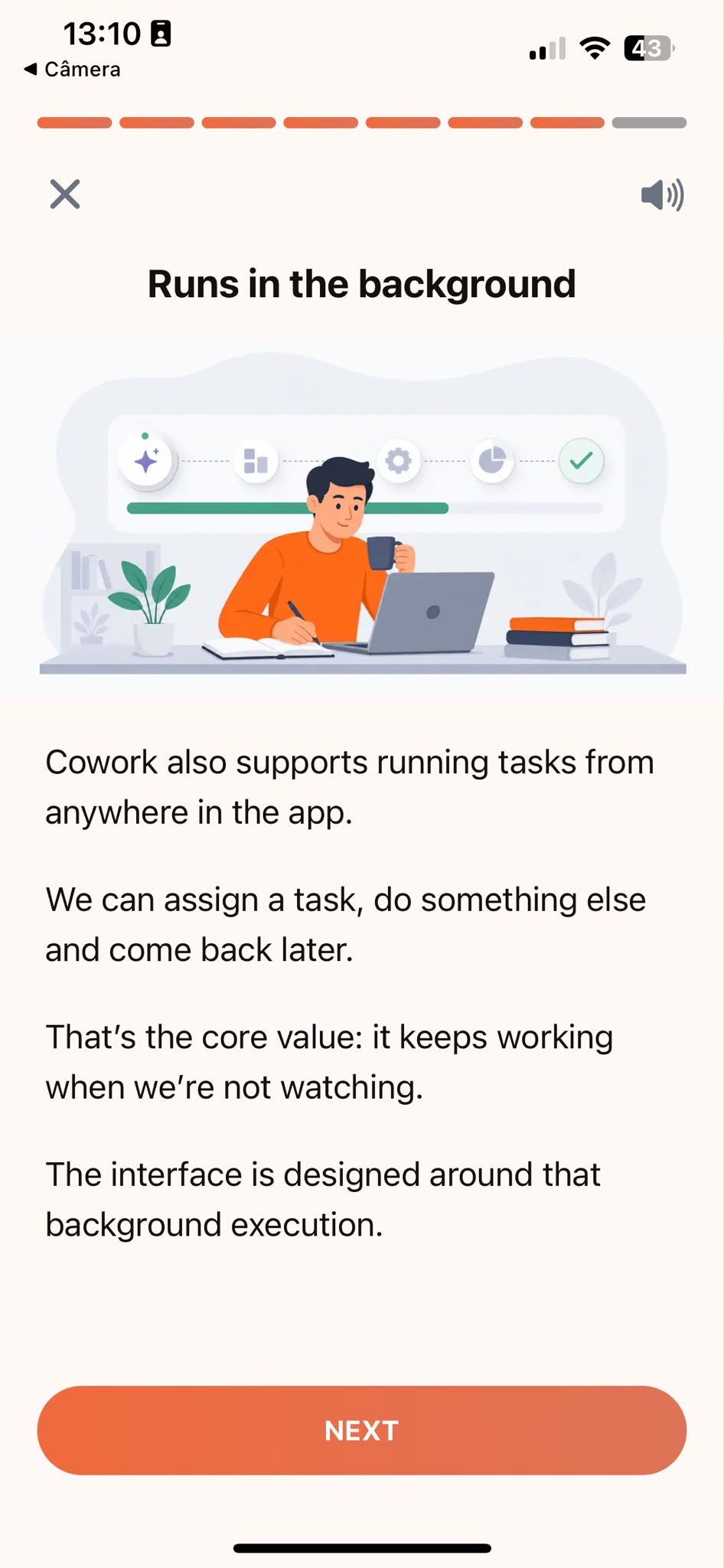
Learn
Short, focused lessons that build from fundamentals to real-world tasks.
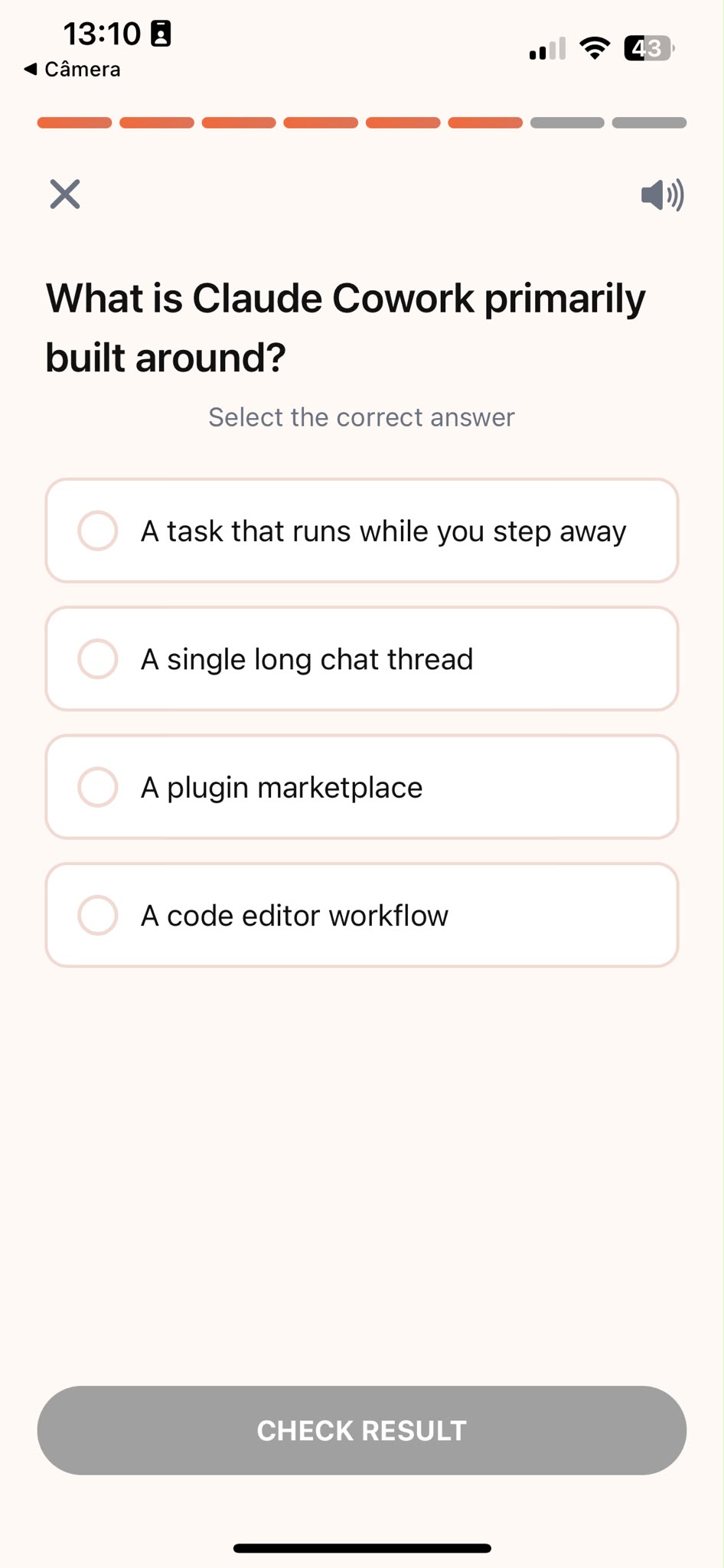
Quiz
Test your understanding right after each lesson, not at the end.
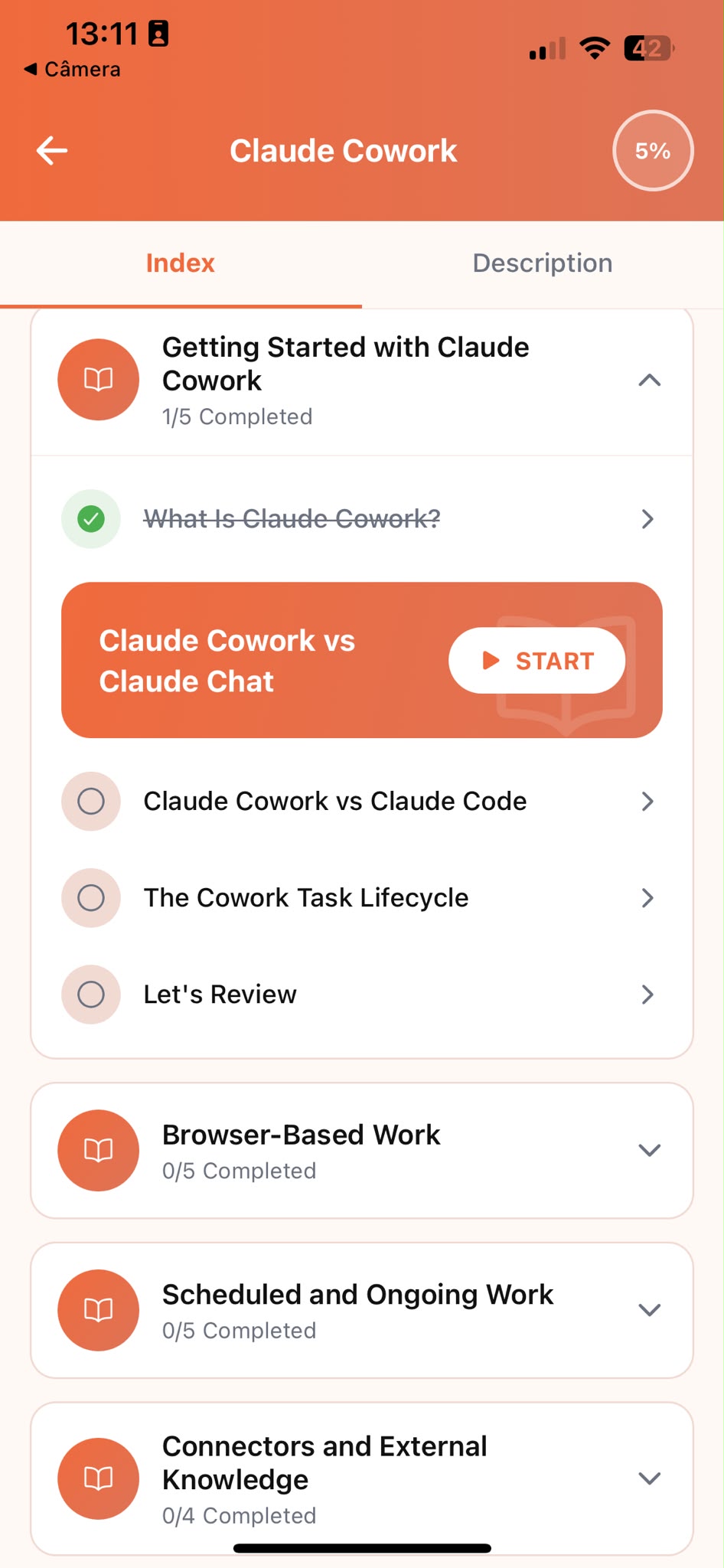
Track Progress
Pick up exactly where you left off, on any device, at any time.
Related articles
- Finance6 min read
Financial Reports for the Board vs. the Team
Reshape one financial report into board-ready bullets and a plain-language team email with Claude, so the same numbers land with both audiences.
Read article - Financial Planning6 min read
Compare Two Financial Decisions With Claude
Lay out two financial paths with Claude over a real time horizon, so you choose on total cost and risk, not on whichever option is cheaper right now.
Read article - Financial Planning5 min read
What Your Household Budget Is Probably Missing
Stress-test your household budget with Claude to catch irregular costs, insurance, repairs, holidays, before they blow a plan that looked fine on paper.
Read article - Finance5 min read
Make Your Financial Summary Skimmable in 30 Seconds
Test whether your financial summary's key numbers survive a 30-second skim with Claude, before it goes out to people who won't read every line.
Read article - Finance5 min read
Categorize Expenses and Spot Outliers with AI
Group raw expense line items into clear categories with Claude, and catch the spending outliers a quick spreadsheet scan always misses.
Read article - Financial Planning5 min read
Find Hidden Subscriptions on Your Credit Card Statement
Find the recurring charges and subscription creep hiding in your credit card statement with Claude, and see what they actually cost you in a year.
Read article - Financial Planning5 min read
Turn a Savings Goal Into a Monthly Plan
Turn a savings target into a real month-by-month plan with milestones, so you know by month two whether you're on pace, not month twenty.
Read article - Finance6 min read
How to Write a Board Update That Builds Trust
Present good and bad metrics with equal weight, so your update reads as an honest account, not spin, and earns more trust from investors over time.
Read article - Finance5 min read
Budget Variance Explanations That Sound Confident
Name the real driver behind a budget variance before anyone asks why, so the explanation reads as confident and credible instead of a defensive justification.
Read article
Frequently Asked Questions
Do I need AI experience to start?
No. Claude Tutorial is designed for people who have never used Claude before. The course starts from the fundamentals and builds up to real financial planning tasks. If you already use Claude occasionally, the structured approach will still fill gaps and build more reliable habits.
How long does the course take to complete?
Most learners work through the core curriculum in two to four hours. The app is designed for short, focused sessions. A single lesson takes around ten minutes, so you can fit it into a working day without blocking off a half-day.
Is this course for finance professionals or for personal use?
Both. Claude Tutorial teaches Claude fundamentals through examples that show up in both worlds: budgeting, spending analysis, comparing financial decisions, and communicating results. Whether you're managing a department budget or your household's, you're learning the same underlying Claude skills, just applied to your own numbers.
Can I use Claude's free plan while taking the course?
Yes. Everything taught in the course works with Claude's free plan. A paid plan gives you more usage, but it is not required to complete the lessons or apply what you learn.
What if Claude's narrative doesn't sound like how you or your team actually communicate?
Give it more to work with. Paste in a past report, budget update, or even a text you sent a partner that landed well, or describe your usual tone in a sentence, then ask Claude to match it going forward. The course shows you how to set this up once and reuse it in every prompt after that.
Start learning Claude
Download Claude Tutorial and start applying these techniques to your own budget, decisions, and updates.